



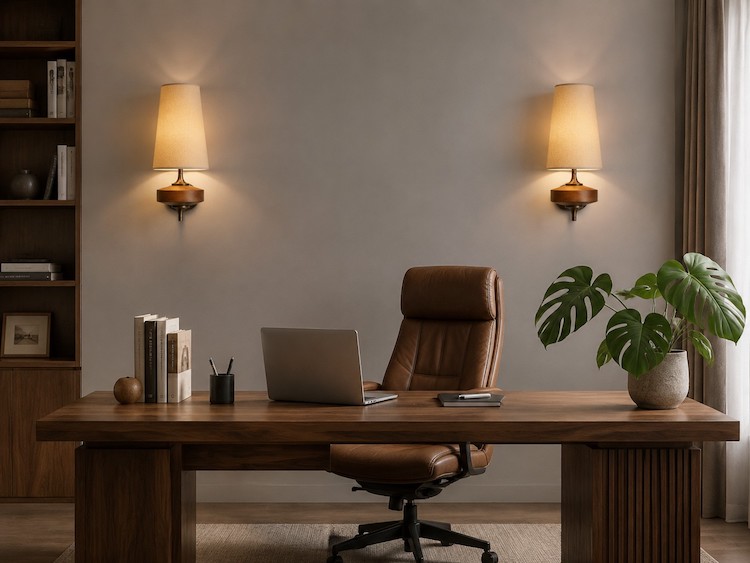
Boost Your Zoom Background Appeal: Decorating Your Home Office Wall with Textured Wood Sconces
Tired of using glitchy digital backgrounds or apologizing for a flat, uninspiring white wall behind you during video calls? The most effective way to elevate your Zoom background is by introducing physical depth through accent lighting. Installing textured wood sconces with fabric shades instantly adds warmth, professional polish, and structural dimension to your home office without cluttering your desk space. By correctly positioning a high-quality fixture behind you, you transform a generic spare room into an intentional, executive-level workspace that subtly builds trust with your clients and colleagues.
Quick Answer: Why Wood Sconces Work for Video Calls
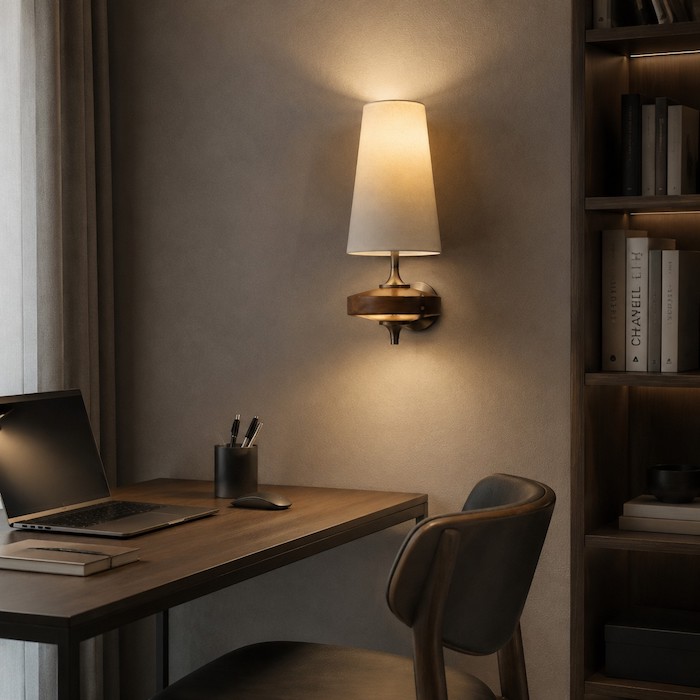
If you want a fast, effective upgrade for your video meeting setup, adding a textured wood sconce to your back wall is the optimal choice. Here is the core reasoning and best use-case scenario:
- Creates Camera Depth: Webcams flatten images. A light source on the wall behind you creates a background layer, separating you from the wall and making the video feed look three-dimensional and cinematic.
- Introduces Material Contrast: Video calls are dominated by cold, hard materials like glass screens, plastic laptops, and metal microphones. Natural wood grain introduces organic warmth, making you appear more approachable.
- Stops Lens Glare: Fabric shades naturally diffuse harsh light. Unlike bare-bulb industrial fixtures that wash out webcam sensors and cause lens flares, a fabric-shielded sconce casts a soft, ambient glow.
- Best Scenario: Ideal for home offices in small bedrooms or tight corners where floor space is limited, and desk space cannot accommodate decorative table lamps.
Core Criteria: How to Choose the Perfect Wall Sconce for Your Camera Frame
Buying a light for a hallway is very different from buying one that will constantly be filmed by an HD webcam. Your camera lens is highly sensitive to light contrast, and a poorly chosen fixture will actively ruin your video quality. Use the following criteria to make your selection.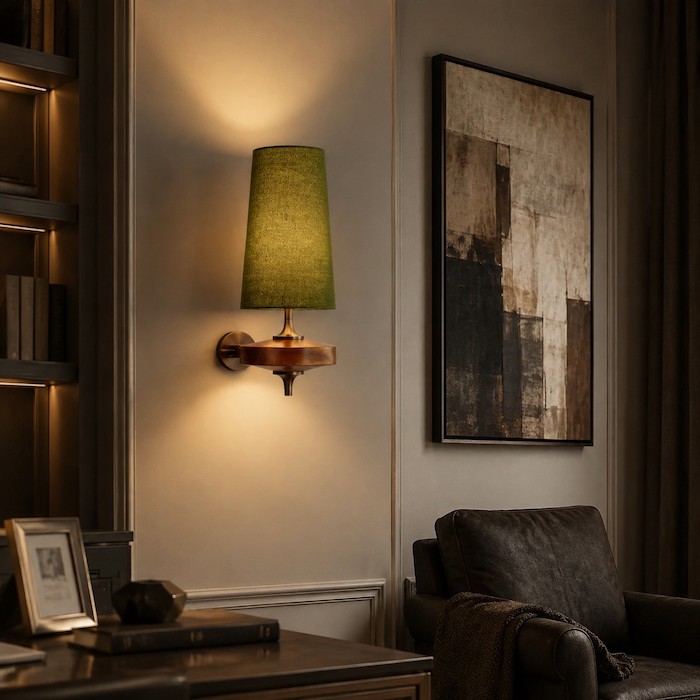
| Selection Factor | The Bad Choice (Avoid) | The Professional Choice (Select) | Why It Matters for Video Calls |
|---|---|---|---|
| Material/Finish | Highly polished chrome or brass, clear glass shades. | Natural wood textures, matte finishes, high-quality linen or fabric shades. | Reflective metals bounce your ring light back into the camera. Clear glass exposes the bulb, creating a harsh "hot spot". |
| Color Temperature | Cool white or daylight (4000K - 6000K). | Warm white to soft white (2700K - 3000K). | Background lighting should be cozy and inviting. Cool light in the background looks sterile, like an interrogation room. |
| Size & Proportion | Oversized statement chandeliers or tiny nightlights. | Medium-scale vertical sconces (approx. 10 to 18 inches). | Consider the 16:9 aspect ratio. A sconce should take up about 10% to 15% of the visible background space to look balanced. |
| Installation | Hardwired-only fixtures (if you rent). | Dual-option fixtures (plug-in convertible) or easily mountable designs. | Flexibility matters. Plug-in options allow you to move the light to perfectly match your camera angle. |
If you are unsure about how color temperatures interact with your webcam sensor, you can read our comprehensive Which bulb should I choose for a fabric and wooden wall lamp? for a deeper technical breakdown.
Specific Solutions: Placement and Styling Strategies for Your Home Office
Hanging a sconce randomly on the wall will not yield the professional look you want. You must arrange your background through the lens of your camera. Here are specific, actionable placement strategies.
Strategy 1: The Symmetrical Executive Look
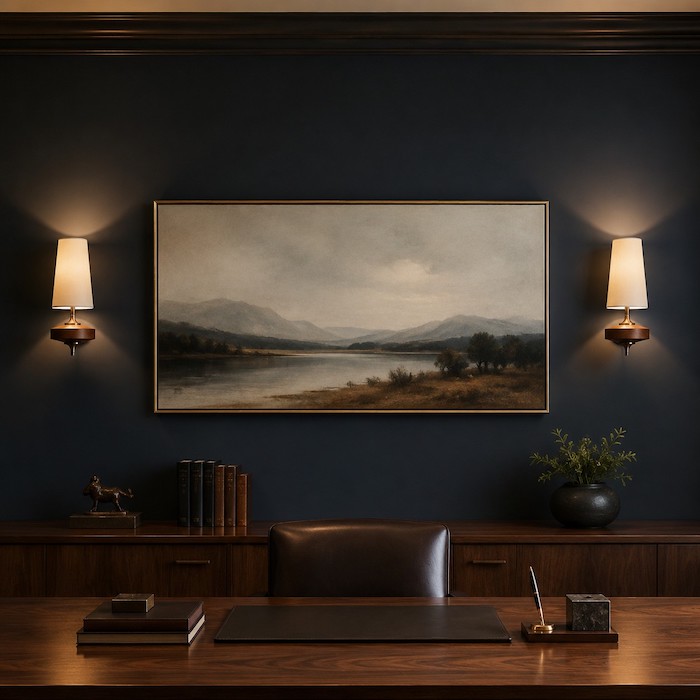
This is the most traditional and authoritative background setup. It requires a central focal point directly behind your head.
- Center your desk and your chair against the back wall.
- Hang a large, horizontal piece of artwork or a neatly organized bookshelf directly behind you.
- Mount two matching wood sconces on either side of the artwork/bookshelf.
- Crucial Measurement: Ensure the sconces are mounted at roughly your eye level when seated (usually between 48 to 60 inches from the floor). This frames your face symmetrically and provides an even, ambient glow. For more specific measurements across different spaces, consult our The Ultimate Wall Lamp Height Guide: Placement for Every Room.
Strategy 2: The Asymmetrical Creative Corner
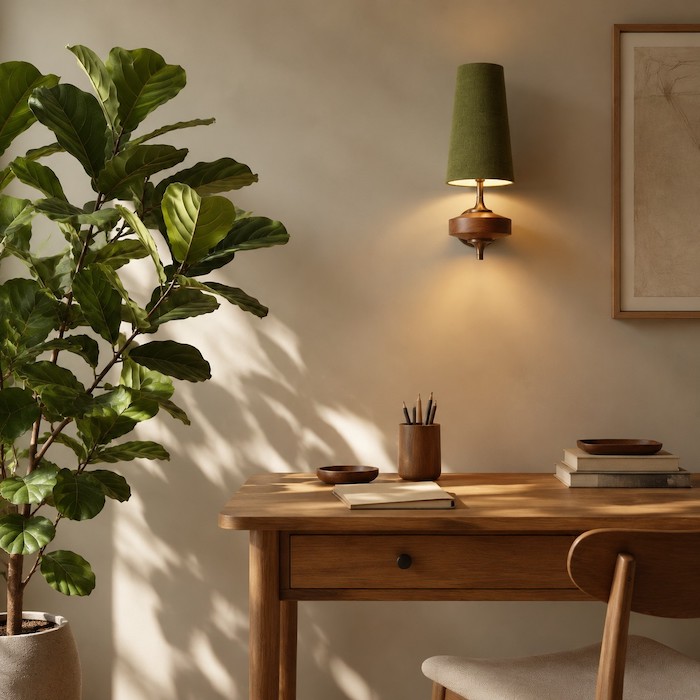
If your desk is pushed into a corner, asymmetry works best. The Rule of Thirds is your guide here.
- Open your Zoom or Teams camera preview. Imagine the screen divided by a grid of nine equal squares.
- Position yourself on one of the vertical lines (slightly off-center).
- Place a single, tall indoor plant on the opposite side of the frame.
- Mount your wood sconce slightly above and behind the plant. The soft light will illuminate the leaves, creating natural shadows and adding immense depth.
Common Mistakes: What Ruins a Video Meeting Background?
Even with a beautiful light fixture, poor execution can destroy your video quality. Avoid these common home office lighting pitfalls.
The "Interrogation Room" Effect (Incorrect Light Ratios)
Your background light should never be brighter than the light hitting your face. If the sconce behind you is too bright, your webcam will automatically adjust its exposure, casting your face in a dark shadow. Fix: Ensure your key light is brighter than your background sconce. Use low-lumen bulbs (300-400 lumens) for your background walls.
The Glare Bomb (Bare Bulbs in the Frame)
Industrial, Edison-style bulbs cause "lens flare" and drastically lower the contrast of the video feed, making you look washed out. Fix: Always insist on a fabric shade that completely hides the actual lightbulb from the camera lens.
Mixing Competing Color Temperatures
If you sit in front of a window letting in blue daylight, but your background sconce emits a deep orange glow, the camera's auto-white-balance will panic. Fix: Keep your lighting temperatures relatively close. If you use natural daylight on your face, use a neutral soft white (3000K) in your sconce.
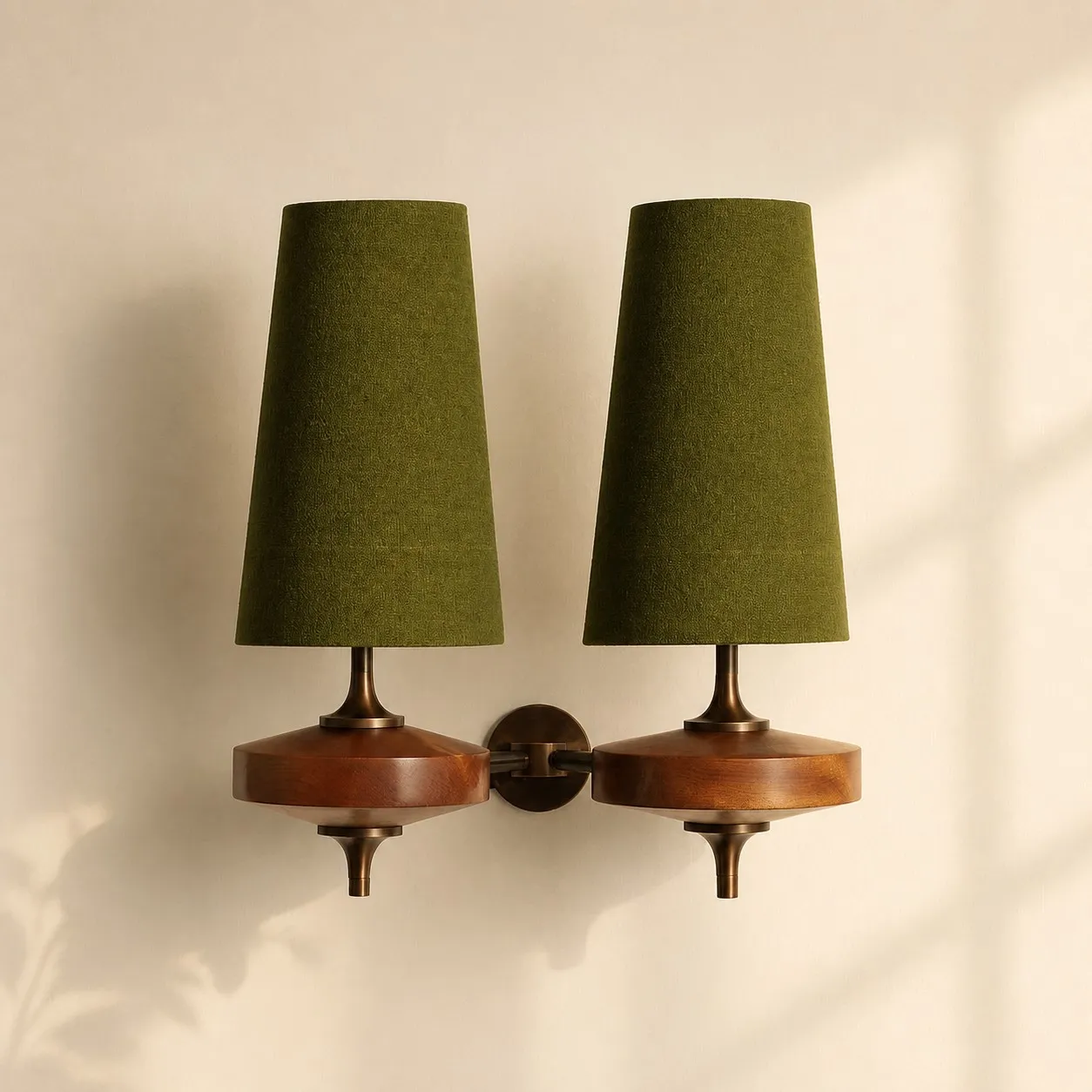
Recommended Solution: Elevating Your Space with the Hour Rho Wall Lamp
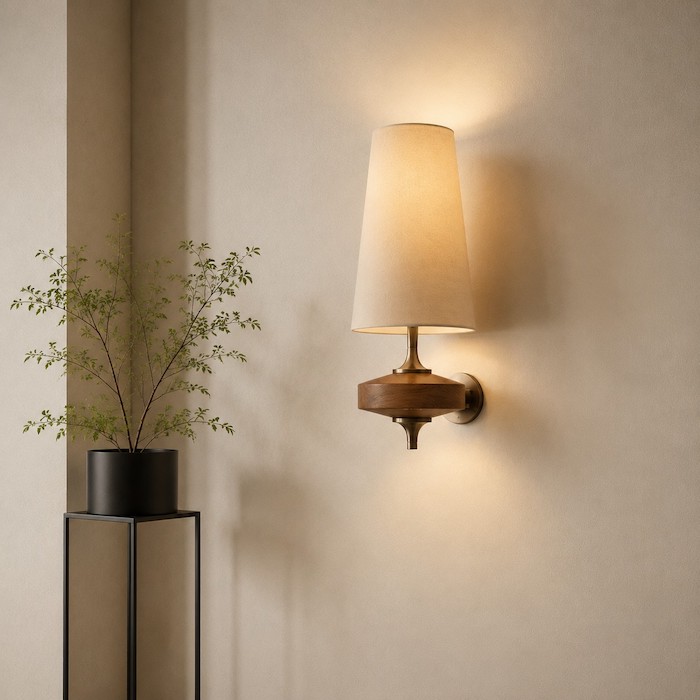
When evaluating fixtures that meet the strict criteria for a perfect video call background, one design clearly stands out. The Hour Rho Wall Lamp is specifically engineered to solve the problems of flat, uninspiring walls while avoiding the technical pitfalls of webcam lighting.
Here is why the Hour Rho Wall Lamp is our definitive recommendation:
- Webcam-Friendly Fabric Shade: The high-quality fabric shade acts as a natural diffuser, preventing glare and hot spots. It softly disperses the light up and down the wall, maximizing background depth.
- Organic Wood Texture: The distinct wooden body offers a sophisticated, mid-century modern aesthetic that silently communicates taste and professionalism through the screen.
- Perfect Proportions: Its vertical orientation elegantly fills the vertical space of a 16:9 camera frame without overpowering the background.
By integrating a fixture like this into your space, you stop treating your home office like a temporary fix and start treating it like a dedicated professional studio. Explore more fixtures in our Wall Sconces Collection.